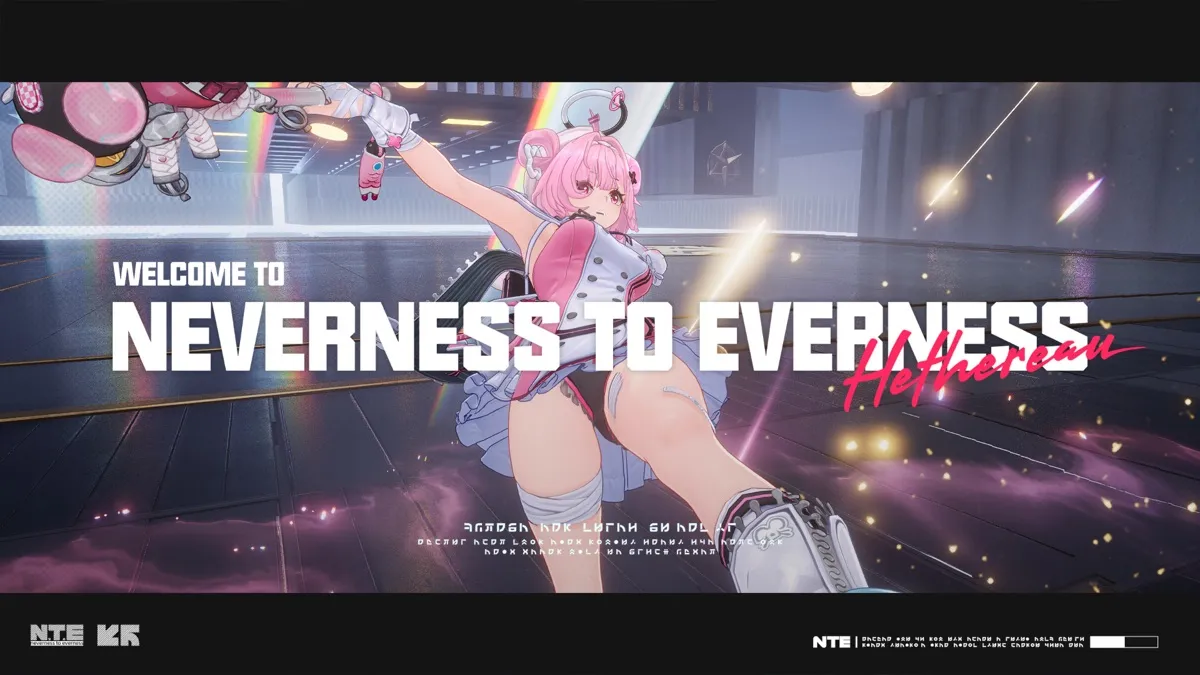
NTE Guide - Neverness to Everness Wiki
Neverness to Everness (NTE) is about to officially launch. Pre-download opens on April 21, and the CN server goes live on April 23. To help players smoothly navigate launch day, we've prepared this comprehensive pre-download guide and day-one action checklist.
1. Pre-Download Information
NTE pre-download will officially open on April 21 at 10:00 AM. Players can download the game client and complete resource pre-loading before the official launch. While you won't be able to enter the game during pre-download, having everything installed means you can jump in the moment servers open on April 23, avoiding download queues and long wait times.
Expected download sizes are as follows:
- PC version: approximately 30-40GB (approximately 50-60GB after installation)
- Android version: approximately 15-20GB (8GB base APK plus 7-12GB resource packs)
- iOS version: approximately 15-20GB (similar to Android)
We recommend clearing at least 10GB more than the above figures to ensure smooth installation and future resource updates. If storage is tight, consider removing some large apps or games you no longer use.
2. Supported Platforms
NTE will launch simultaneously on the following platforms:
- PC Client (Windows): Supports Windows 10 and above, available via the official website or game launchers
- Android Mobile: Supports Android 8.0 and above, available via the official website, TapTap, and major app stores
- iOS Mobile: Supports iOS 13.0 and above, available via the App Store
- PS5 Console: Planned for a later update, not available at initial launch
All platforms feature cross-progression (universal accounts). Players can log in with the same account across different devices with real-time progress syncing. Note that cross-platform multiplayer may have limitations during early launch, so same-platform grouping is recommended for the best experience.
3. System Requirements
PC Minimum Requirements
- OS: Windows 10 64-bit
- CPU: Intel Core i5-8400 / AMD Ryzen 5 2600
- RAM: 8GB
- GPU: NVIDIA GeForce GTX 960 / AMD Radeon RX 560
- Storage: 60GB available space
- DirectX: Version 11
PC Recommended Requirements
- OS: Windows 10/11 64-bit
- CPU: Intel Core i7-9700 / AMD Ryzen 7 3700X
- RAM: 16GB
- GPU: NVIDIA GeForce RTX 2060 / AMD Radeon RX 5700 XT
- Storage: 60GB+ SSD
- DirectX: Version 12
Mobile Minimum Requirements
- Android: Snapdragon 835 / Dimensity 1000+ or equivalent, 6GB RAM
- iOS: iPhone XS or A12 chip and above, 6GB RAM
Mobile Recommended Requirements
- Android: Snapdragon 888 / Dimensity 1200 or higher, 8GB+ RAM
- iOS: iPhone 12 or A14 chip and above, 8GB+ RAM
Devices below minimum requirements may not be able to install or run the game properly. Recommended specs enable medium-high settings for a good experience, while maximum quality demands higher-end hardware.
4. Installation Steps and Tips
PC Installation
- 1Download the PC client installer from the official NTE website
- 2Run the installer and select your installation path (SSD recommended for faster loading)
- 3Wait for installation to complete, then launch the client
- 4Log in (supports phone, email, and third-party accounts)
- 5Wait for resource packs to download and verify
- 6You're ready to enter the game when servers open
Mobile Installation
- 1Search for "Neverness to Everness" or "异环" on your app store or TapTap
- 2Download and install the app
- 3Launch the game and log in
- 4Download additional resource packs (use WiFi to avoid data charges)
Important Notes
- Avoid installation paths with special characters, which may cause startup issues
- Maintain a stable internet connection during installation; interrupted downloads may require re-verification
- Antivirus users should whitelist the game directory
- PC users: allow runtime library installation on first launch
5. Day-One Must-Do Checklist (Priority Ordered)
Here are the ten essential tasks for launch day, ordered by importance. We recommend completing them in sequence:
1. Redeem All Promo Codes (Priority: Highest)
Enter all available redeem codes immediately after logging in. Codes often have expiration dates, so earlier is better. Check official social media, Bilibili, and WeChat for the latest codes. Our website's code page updates in real-time. Code rewards typically include gacha currency, experience materials, and gold.
2. Complete the Tutorial (Priority: Highest)
Follow the beginner tutorial to learn basic controls and game mechanics. The tutorial takes about 20-30 minutes and awards substantial starting resources, including your first free 10-pull. Taking the tutorial seriously is more efficient than skipping and figuring things out on your own.
3. Use Your Free S-Rank Selector (Priority: Very High)
After the tutorial, you'll receive a free S-rank character selector. This choice matters significantly, so review tier lists and team guides beforehand. If undecided, prioritize versatile DPS characters that remain useful throughout the game. Avoid niche picks unless you genuinely love a character's design.
4. Push the Main Story (Priority: Very High)
Main quest progress is your most important metric on day one. The story provides massive experience and resources while progressively unlocking game features: stamina, daily missions, dungeons, gacha, exploration, and more. Focus on the main story first, then tackle other activities after features are unlocked.
5. Claim Pre-Registration Rewards (Priority: High)
If you pre-registered, check your in-game mailbox for rewards. Rewards scale with pre-registration milestones and typically include gacha tickets, exclusive avatar frames, titles, and upgrade materials. Claim these on launch day as they may expire.
6. Unlock City Tycoon for Free S-Rank Xiaozhi (Priority: High)
Progressing the main story unlocks the "City Tycoon" mode, an idle management system. Completing specific City Tycoon tasks grants a free S-rank character, Xiaozhi. This character has a low acquisition threshold and solid performance, making it an essential early free S-rank. Prioritize unlocking this system.
7. Complete Daily Missions (Priority: High)
Finish daily missions on launch day. They provide steady gacha resources and upgrade materials — a crucial long-term income source. Building the daily habit pays enormous dividends over time. Dailies typically take 15-20 minutes and involve battles, stamina spending, and dungeon runs.
8. Explore and Open Chests (Priority: Medium)
Open chests you encounter during story progression, but don't deviate from the main path to hunt them. Chests contain gacha currency, upgrade materials, and Discs. After stabilizing story progress, plan systematic exploration runs for each area.
9. Participate in Limited-Time Events (Priority: Medium)
Launch events offer generous rewards. Check the event page for participation requirements and plan accordingly. Limited events disappear after their duration, so at minimum familiarize yourself with them on day one. Some events require story progress to unlock, reinforcing the importance of pushing the main quest.
10. Plan Your Stamina Usage (Priority: Medium)
Stamina is one of your most precious resources. Early on, prioritize character upgrade materials and weapon enhancement materials. Save Disc farming for after your characters are higher level. Never let stamina cap out — even without a specific goal, farm universal materials. Keep some stamina potions in reserve for upcoming limited events.
6. Platform-Specific Tips
PC Tips
- A controller provides an excellent experience; Xbox and PS controllers are supported
- Keyboard and mouse controls are well-optimized with precise skill aiming
- Enable 60 FPS mode in settings for significantly smoother combat
- If your hardware allows it, medium-high settings showcase NTE's stunning visuals beautifully
Mobile Tips
- Adjust graphics settings immediately after your first launch based on device capability
- Medium graphics + 60 FPS is a balanced recommendation for most devices
- Use the recommended control layout, or customize button positions in settings
- Monitor device temperature during extended sessions; lower graphics or use a cooling fan if needed
- WiFi is recommended for stable gameplay; mobile data may experience latency spikes
7. Common Installation Issues and Solutions
Slow Download Speed
Try switching download nodes or using a game accelerator. PC users can change download sources in launcher settings. Mobile users should try different WiFi networks or 5G. Avoid peak hours (8-11 PM) for faster downloads.
Installation Failure or Stuck on Installation
Check available storage space, clear cache, and retry. Run the PC installer as administrator. Verify your mobile OS meets minimum requirements. For persistent failures, completely uninstall and re-download.
Crash on Launch
Update GPU drivers (PC). Ensure DirectX and runtime libraries are intact. On mobile, close background apps to free memory. Emulator users should switch to an officially supported version.
Resource Pack Verification Failed
Check network stability and try a game accelerator. Fully close and relaunch the game to re-download and verify resource packs. If the issue persists, delete downloaded resource files and start fresh.
Login Issues or Server Connection Failed
Launch day server load is heavy, so expect queues or temporary login failures. Wait a few minutes and retry. Follow official social media for server status updates. If problems persist, check network settings and try an accelerator.
Excessive Phone Heating
Lower graphics settings and close unnecessary background apps. iOS users can disable background refresh. Android users can enable game acceleration mode. Take breaks every hour to protect both your device and your eyes.
We hope this guide helps you smoothly navigate your first day in Neverness to Everness. Remember to start your pre-download on April 21 and get ready for the official launch on April 23. Stay tuned to our website for more guides and latest news!